Download Password Disk
Choose the version that's right for your device:
Screenshots
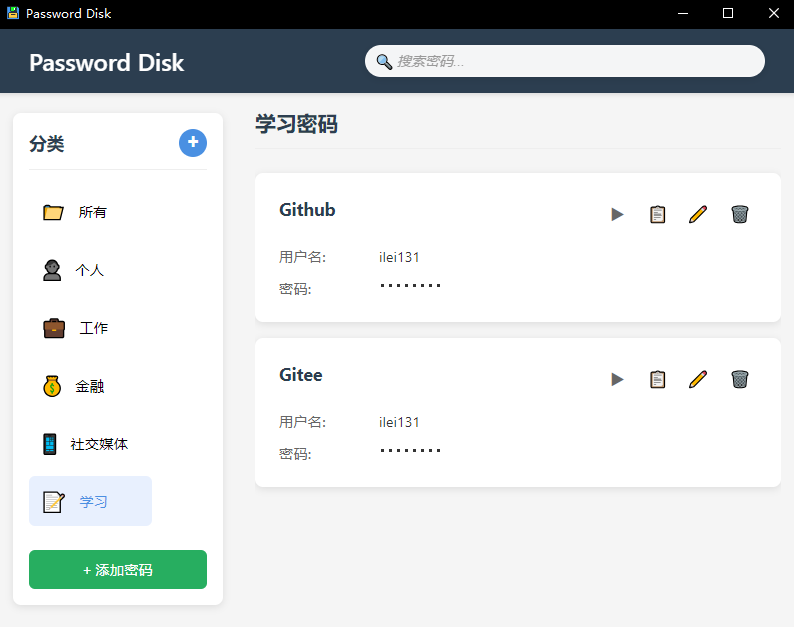
Desktop Version
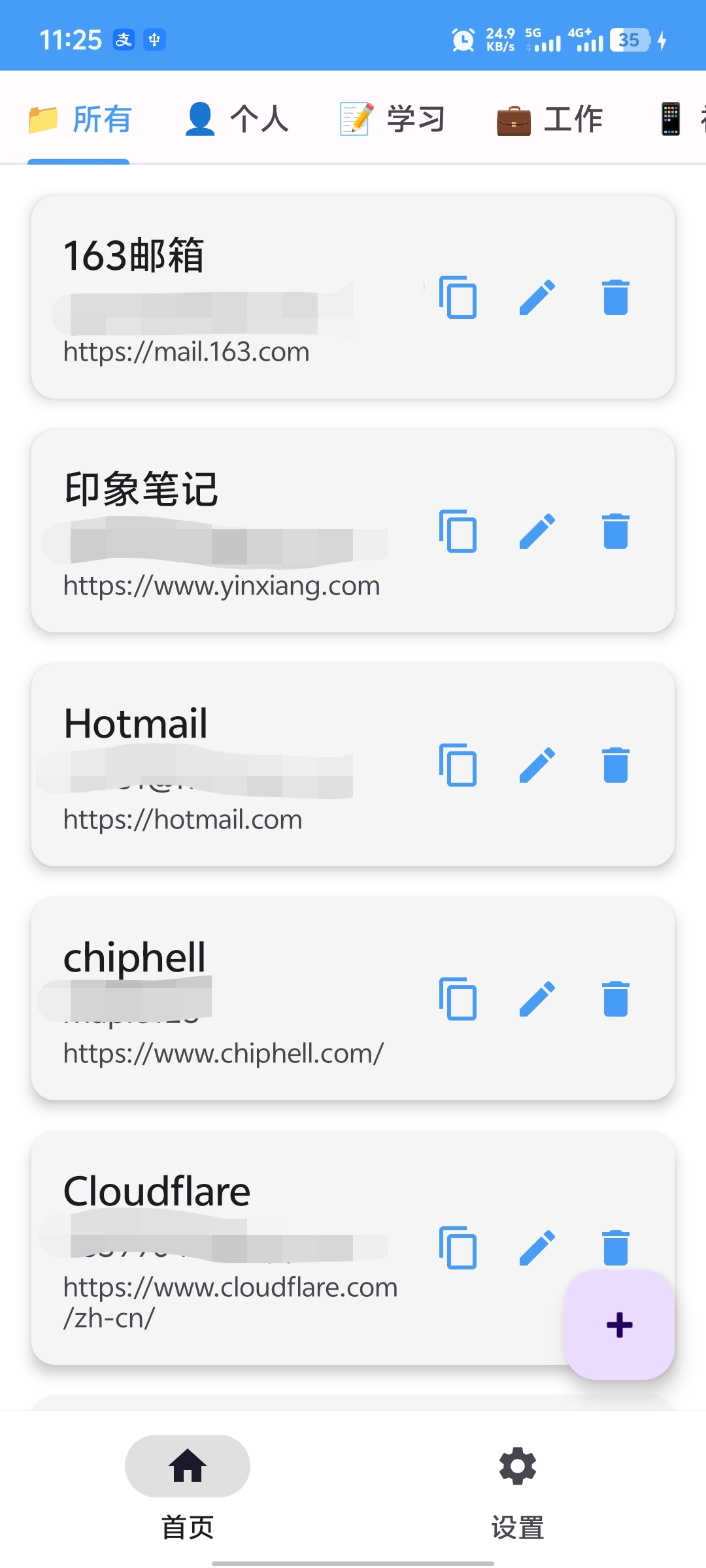
Android Version
Desktop Version
The desktop version of Password Disk is built using Tauri, providing a lightweight and secure desktop application.
Download Links
- GitHub Releases: Download from GitHub
System Requirements
- Windows 10+
- macOS 10.15+
- Linux (Ubuntu 18.04+, Fedora 30+, etc.)
Installation Instructions
- Download the appropriate installer for your operating system from the GitHub Releases page
- Run the installer and follow the on-screen instructions
- Launch Password Disk and start managing your passwords securely
Android Version
The Android version of Password Disk is available for mobile devices, allowing you to access your passwords on the go.
Download Links
- GitHub Releases: Download from GitHub
System Requirements
- Android 6.0+ (Marshmallow or higher)
Installation Instructions
- Download the APK file from the GitHub Releases page
- Enable "Unknown sources" in your device settings
- Install the APK file
- Launch Password Disk and start managing your passwords securely
Source Code
If you prefer to build from source, you can clone the repositories and follow the build instructions:
- Desktop Version: https://github.com/ilei131/password_disk
- Android Version: https://github.com/ilei131/password_disk_android
Need Help?
If you encounter any issues during installation or usage, please check the GitHub repositories for documentation or open an issue.